
Why was I signed out?
Short answer
Section titled “Short answer”You stay signed in as long as you use Tickr regularly. You are signed out if you sign out yourself, after a long period of inactivity, after a password reset, or when you no longer have any active workspace.
Details
Section titled “Details”-
Lifetime: the session is extended automatically every time you use it. It expires after 30 days without any use (the instance’s default).
-
Several tabs: all the tabs of a browser share the same session; open as many as you like, they stay signed in together (with an up-to-date browser).
-
Password reset through the emailed link: all your sessions, on every device, are ended and all your API keys are revoked (see How do I reset my password?). Changing your password from your Profile does not end your other sessions.
-
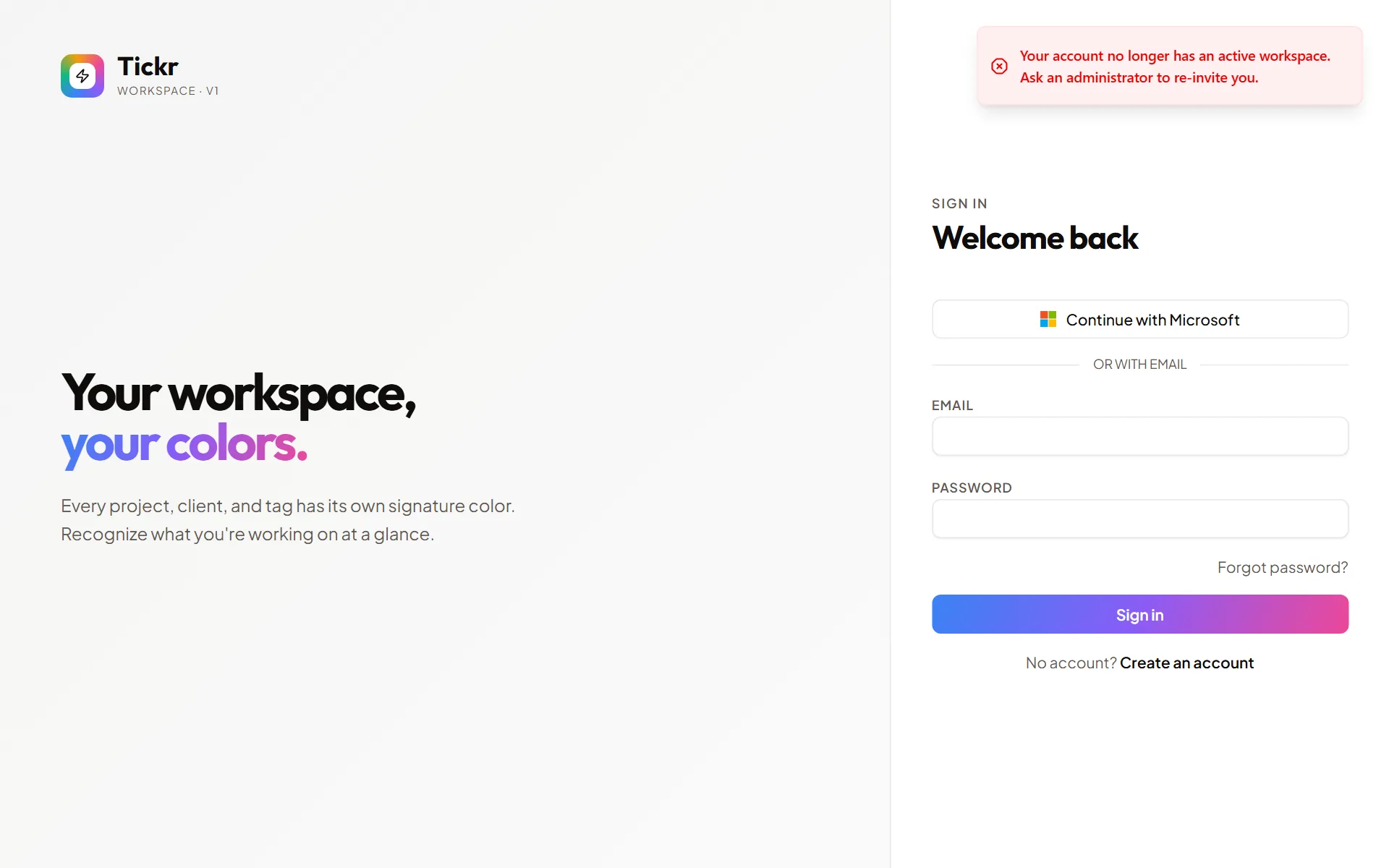
No workspace left: if you are removed from your only workspace (or leave it) and have no pending invitation, your session ends and the sign-in screen shows “Your account no longer has an active workspace. Ask an administrator to re-invite you.” If you have other workspaces, you stay signed in and simply switch to one of them.
-
Switching accounts in the same browser: sign out, then sign in with the other account. No data from the previous account is shown to the next one. A browser keeps one signed-in account at a time: if you sign in with another account in a new tab, the first account’s tabs are signed out as soon as they renew their session (within about fifteen minutes at most), without ever showing the other account’s data.
-
Security measure: if Tickr detects that an old session token is being reused (a possible sign of session theft), it ends all your sessions as a precaution. Sign in again; if it keeps happening for no reason, change your password.
-
Network down or server unavailable: if the silent session renewal fails for a transient reason (network, a server restarting, a timeout), Tickr shows a “try again” message instead of signing you out. Only an explicit refusal from the server ends the session.
-
Saved filters: the filters of the Entries and Reports pages belong to each account. Signing in directly with another account clears them; a plain sign-out keeps them for your next sign-in.